| TC-001 | REQ-001 | Login with invalid password shows clear error message |
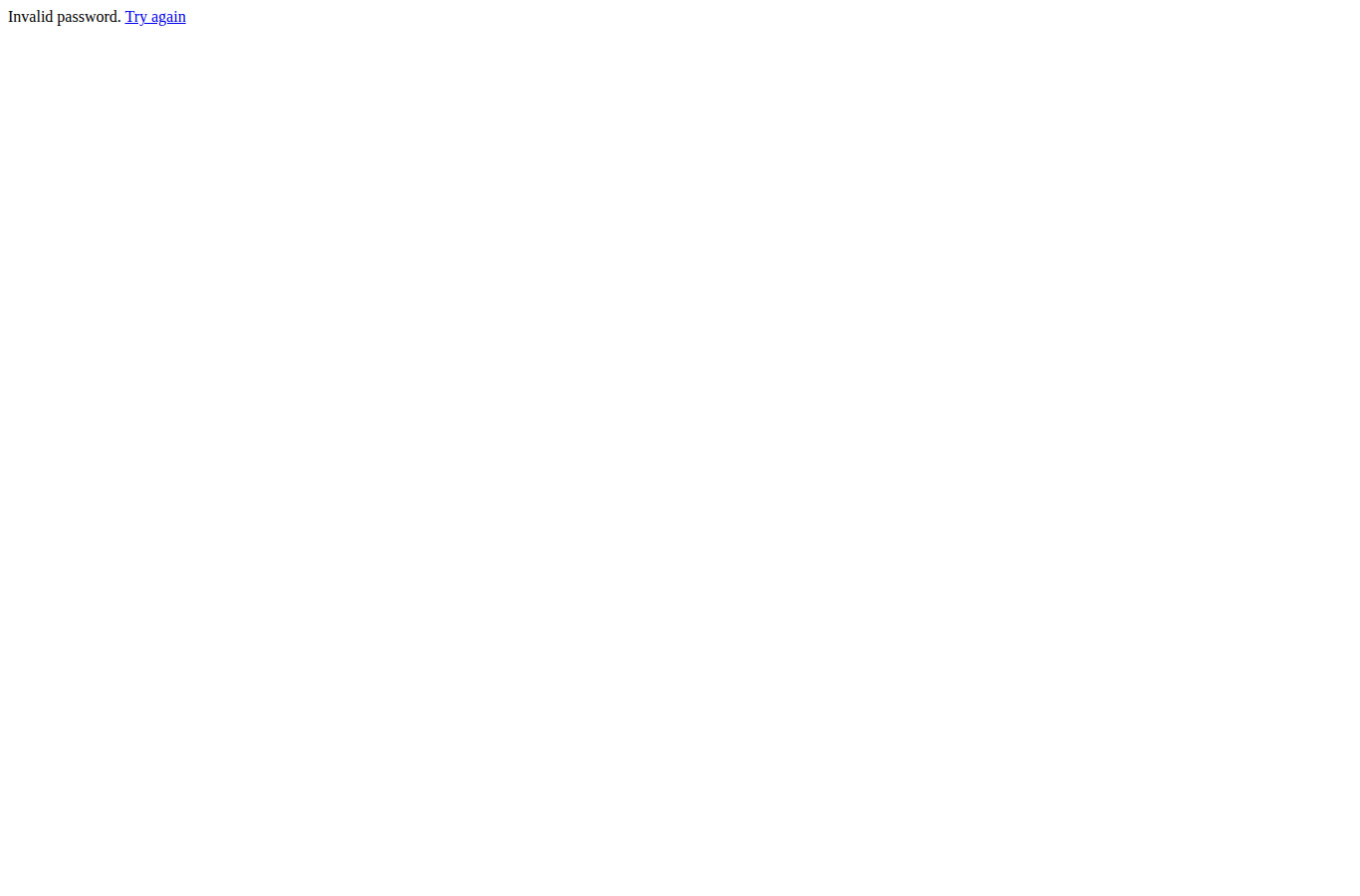
1. Navigate to QA Agent. 2. Enter an invalid admin password. 3. Click Login. | Page displays 'Invalid password. Try again' and does not grant access to the dashboard. |
Invalid password. Try again |
Pass |
— |
 |
| TC-002 | REQ-001 | Valid login opens dashboard with New Test Run form and history table |
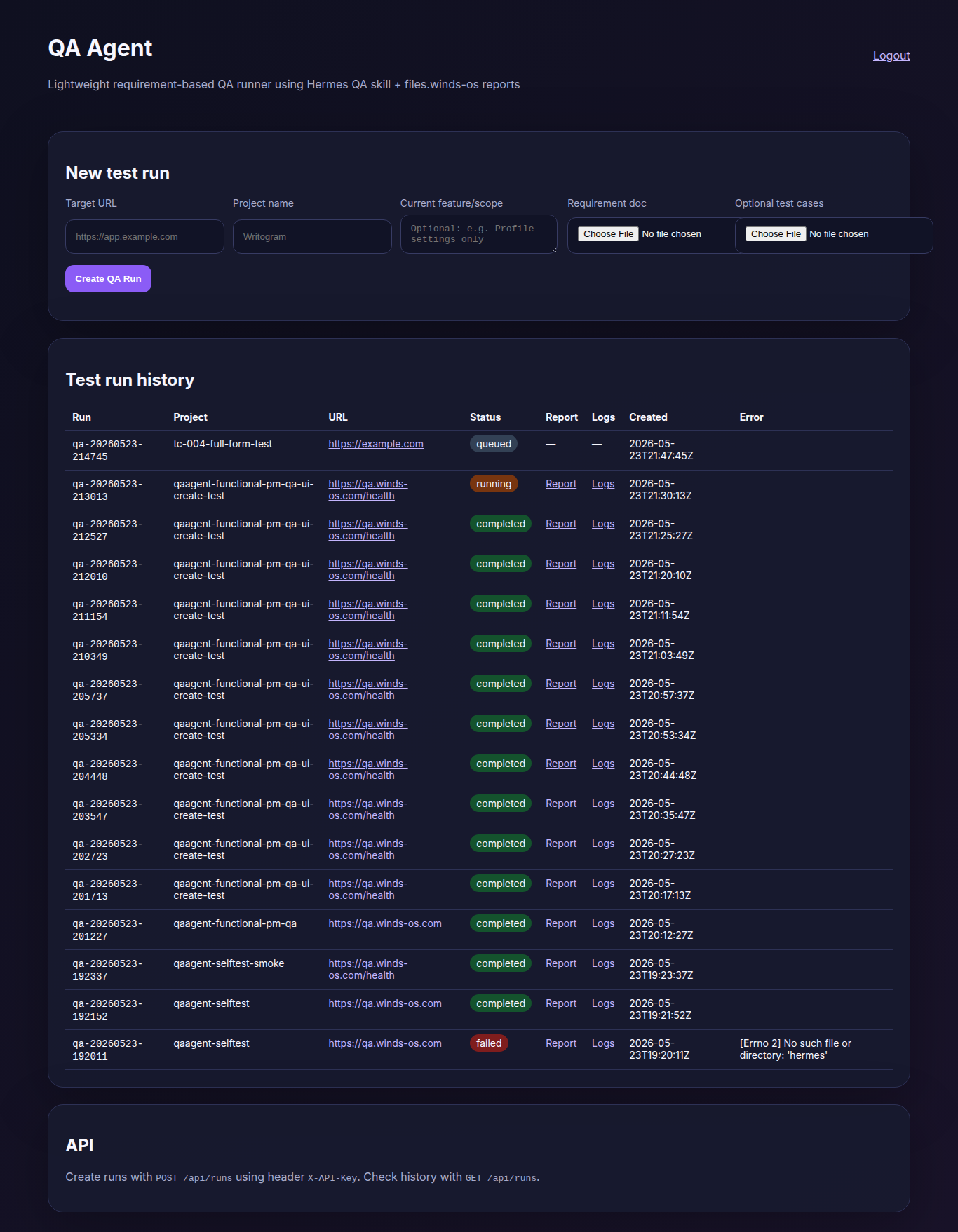
1. Navigate to QA Agent. 2. Enter correct admin password. 3. Click Login. | Dashboard loads with New test run form, Target URL, Requirement doc, Create QA Run button, and Test run history table. |
Dashboard opened after login. Visible sections/text: New test run, Target URL, Requirement doc, Create QA Run, Test run history, Report, Logs |
Pass |
— |
 |
| TC-003 | REQ-001 | Submit empty create-run form triggers required-field validation |
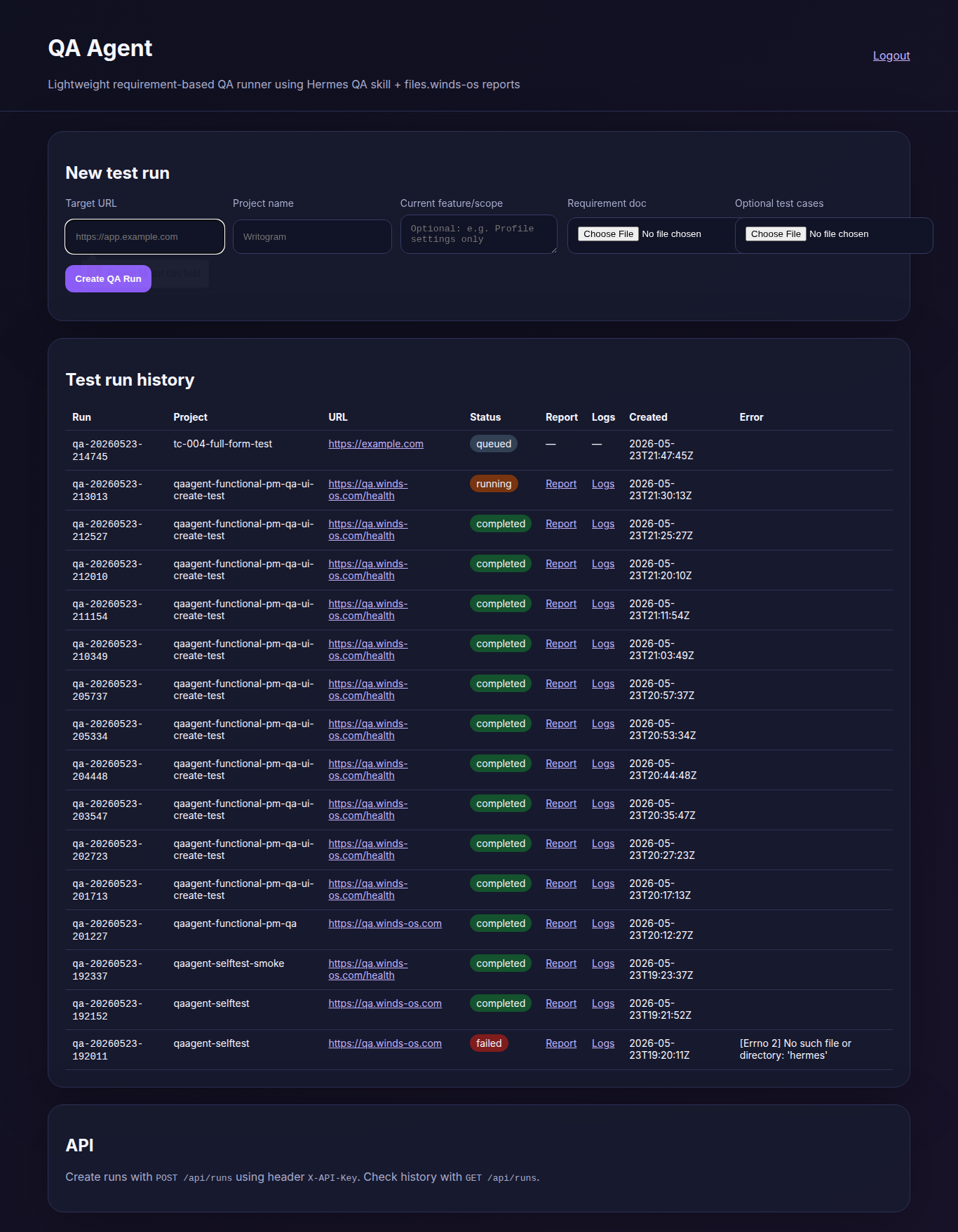
1. Leave Target URL blank. 2. Do not select requirements file. 3. Click Create QA Run. | Browser validation prevents submission, reporting missing target URL and requirements file. |
Browser validation prevented submission and reported: [{"name": "target_url", "message": "Please fill out this field."}, {"name": "requirements", "message": "Please select a file."}] |
Pass |
— |
 |
| TC-004 | REQ-001 | Fill in create-run form and submit — verify run appears in history |
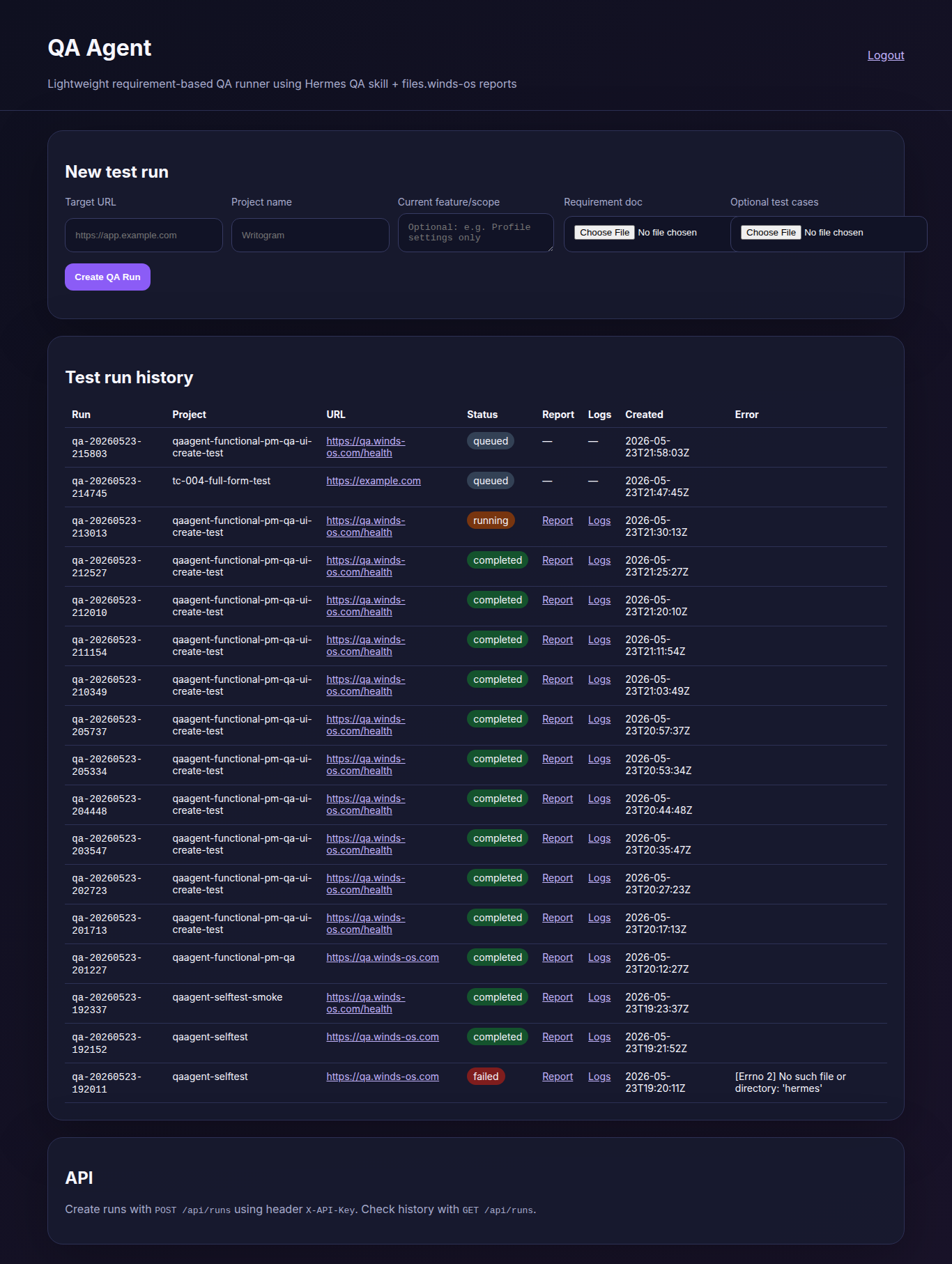
1. Enter target URL. 2. Enter project name. 3. Enter scope. 4. Select requirements file. 5. Click Create QA Run. | Page reloads and history table shows new row with form values, a status, and Report/Logs columns. |
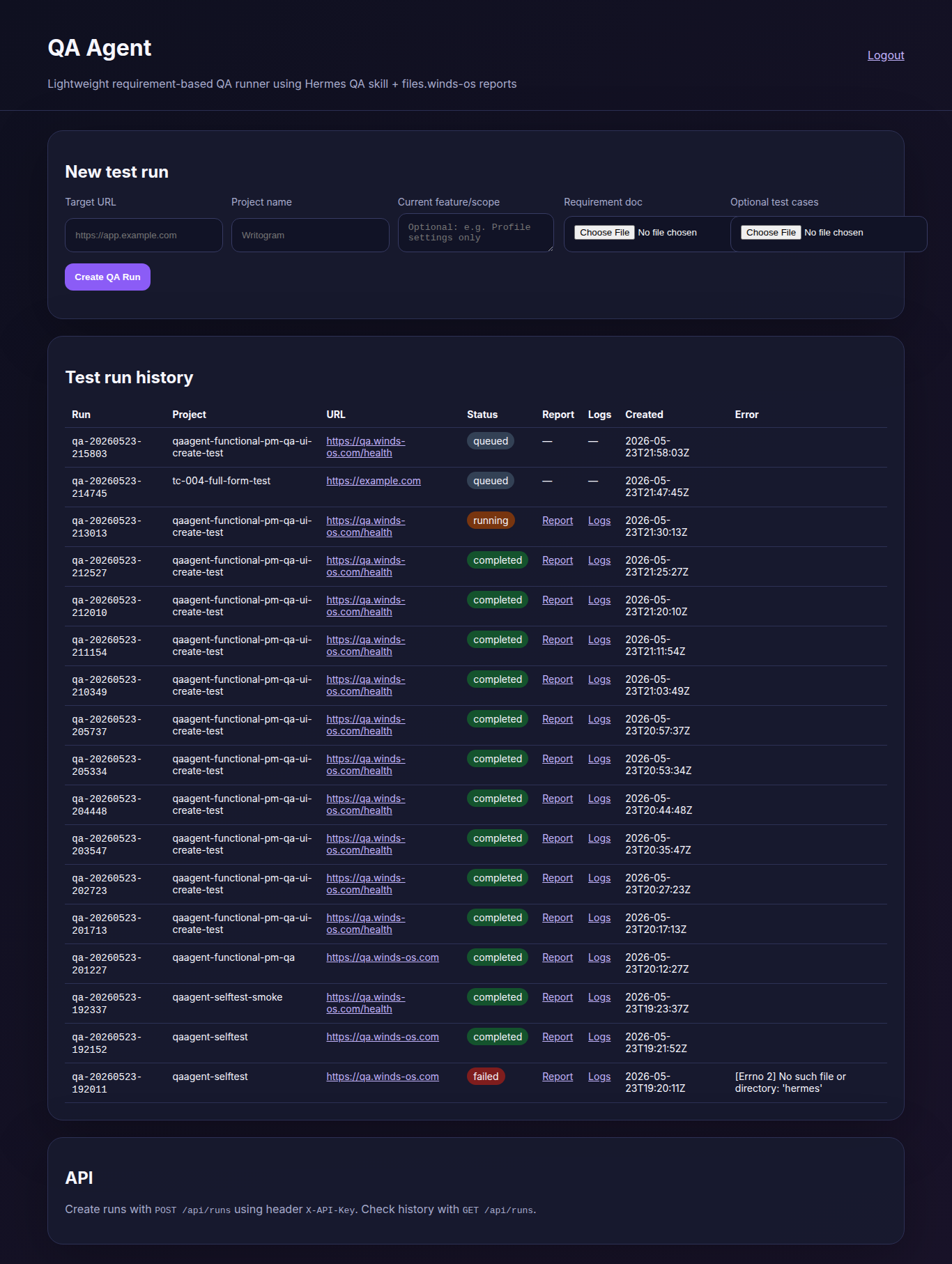
After form submission, the newest history row displayed: qa-20260523-215803 qaagent-functional-pm-qa-ui-create-test https://qa.winds-os.com/health queued — — 2026-05-23T21:58:03Z |
Pass |
— |
 |
| TC-005 | REQ-001 | Created run transitions from queued to completed and exposes Report/Logs links |
1. Wait up to 75s after creating a run. 2. Refresh page periodically. 3. Check for Report and Logs links. | Status changes from queued to running/completed. Report and Logs links appear as clickable hyperlinks. |
Newest run row after waiting: qa-20260523-215803 qaagent-functional-pm-qa-ui-create-test https://qa.winds-os.com/health queued — — 2026-05-23T21:58:03Z . Links visible: [{"text": "https://qa.winds-os. |
Fail |
DEF-001 |
 |
| TC-006 | REQ-001 | Report link opens a valid report page |
1. Locate run with Report link. 2. Click Report link. | Report page opens showing QA run output with meaningful content. |
No Report link available to verify |
Blocked |
DEF-001 (blocked) |
— |
| TC-007 | REQ-001 | Logs link opens a valid log page |
1. Locate run with Logs link. 2. Click Logs link. | Logs page opens showing run execution logs with meaningful content. |
No Logs link available to verify |
Blocked |
DEF-001 (blocked) |
— |
| TC-008 | REQ-001 | Mobile-width dashboard: login, form, and history are usable |
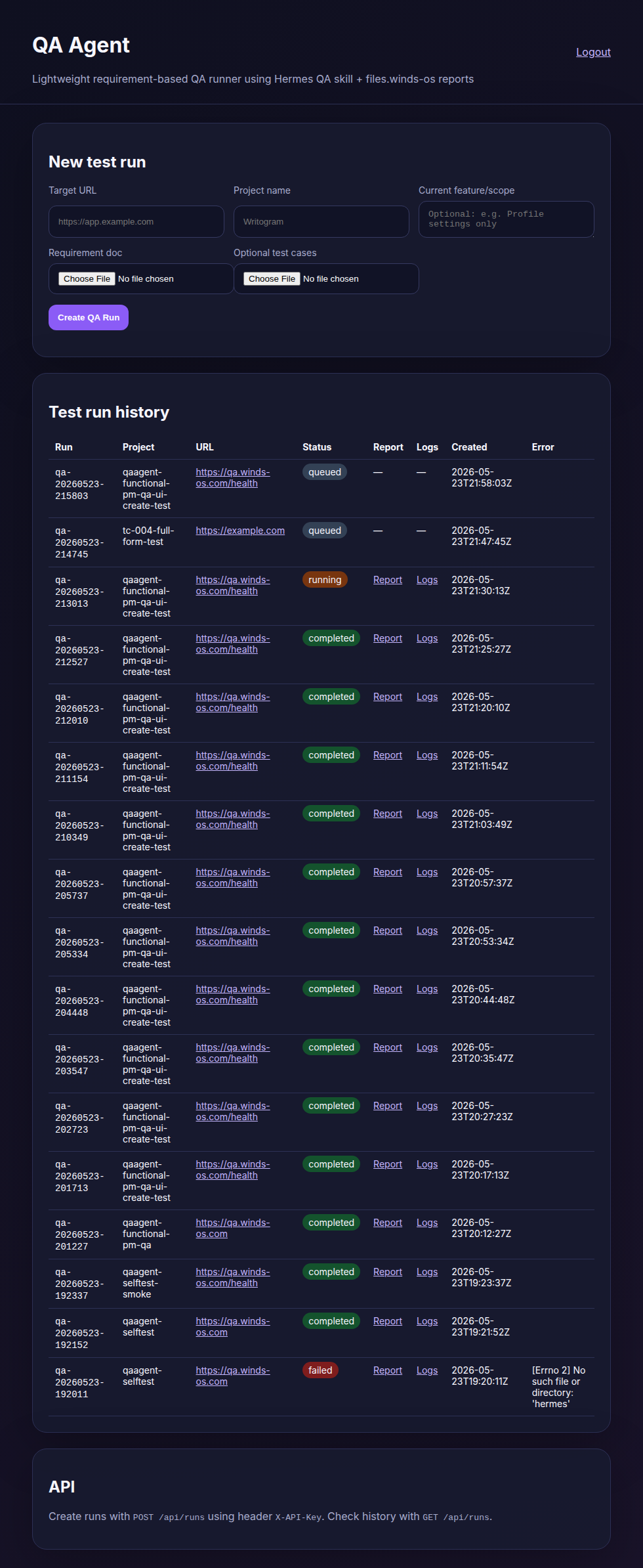
1. Log in on mobile viewport (390x844). 2. Check New test run form visibility. 3. Check Test run history presence. | Both create form and history table accessible; horizontal scrolling acceptable for full table. |
Mobile dashboard loads and retains the create form and history sections. Horizontal scrolling may be needed for the history table on a phone-sized screen. |
Pass |
— |
 |